
Journal pagination,
without the friction.
From manuscript to final galley, keep article pagination, proof revisions and approvals moving together in one clear workspace.
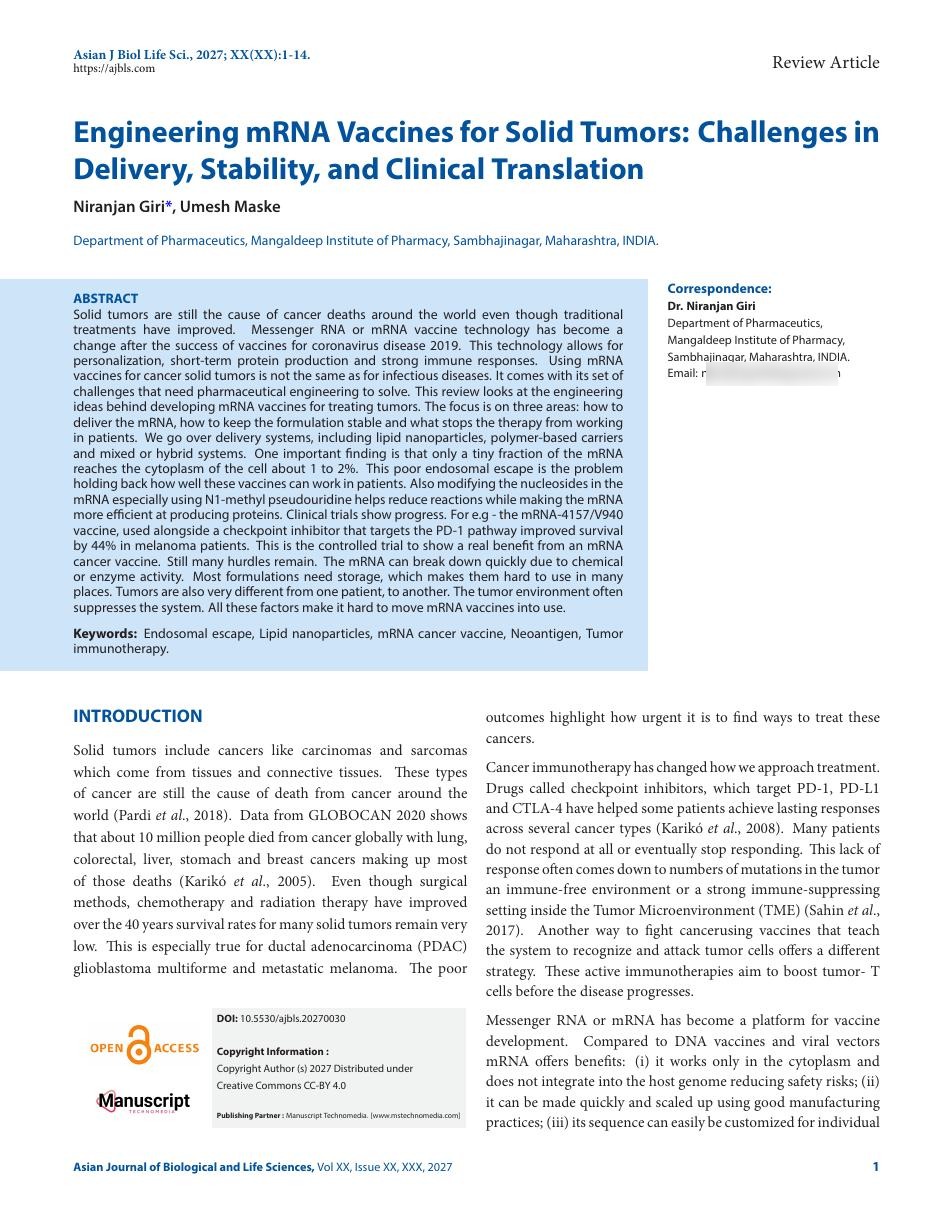
The pagination engine
Watch an article
become pages.
Pick a journal and the engine lays the same article out again — re-balancing columns, placing figures and tables, assigning folios and running heads as it goes.
- Title, authors & affiliations
- Abstract & keywords
- 1. Introduction
- 2. Materials & methods
- Figure 1 · Sampling layout
- 3. Results
- Table 2 · Yield by treatment
- 4. Discussion
- 5. Conclusion
- References · 42 entries
Lay-out complete
Sample article “Thermal Behaviour of Composite Panels” by Rao, Iyer & Menon is laid out into 3 pages using 2 columns.
3
Pages assigned
2
Columns balanced
3,679
Words placed
2 / 2
Figures & tables
42
References linked
Demonstration using a sample article. In your workspace the engine runs on your own manuscripts, your own journal trims, and the proof versions you upload.
Why PaginationXpress
A better way to move
every article forward.
A practical home for the details that matter between manuscript and publication.
Journal-wise organization
Keep every article, issue, and production stage in its proper place.
Article pagination
Move manuscripts from receipt through typesetting and page layout.
Versioned galley proofs
Upload each PDF revision and retain a clear proof history.
Corrections in context
Capture feedback alongside the article it belongs to.
Approval tracking
See which proofs are ready, under review, or approved.
Private workspace
Your journal records and galley files stay in your account.
Multiple output formats
Every article, in every format your journal needs.
Keep the web, print and digital editions of each article together in one workspace — with a version history per format.
HTML
Web-ready article pages for your online edition.
DOCX
Editable word-processing copies for authors and editors.
EPUB
Digital editions that read well on any e-reader.
JATS XML
Structured XML for indexing, archiving and discovery.
Print-ready galleys for proofing and sign-off.
Upload several formats at once · a separate version is kept for each · download any earlier version at any time.
A real proof, in action
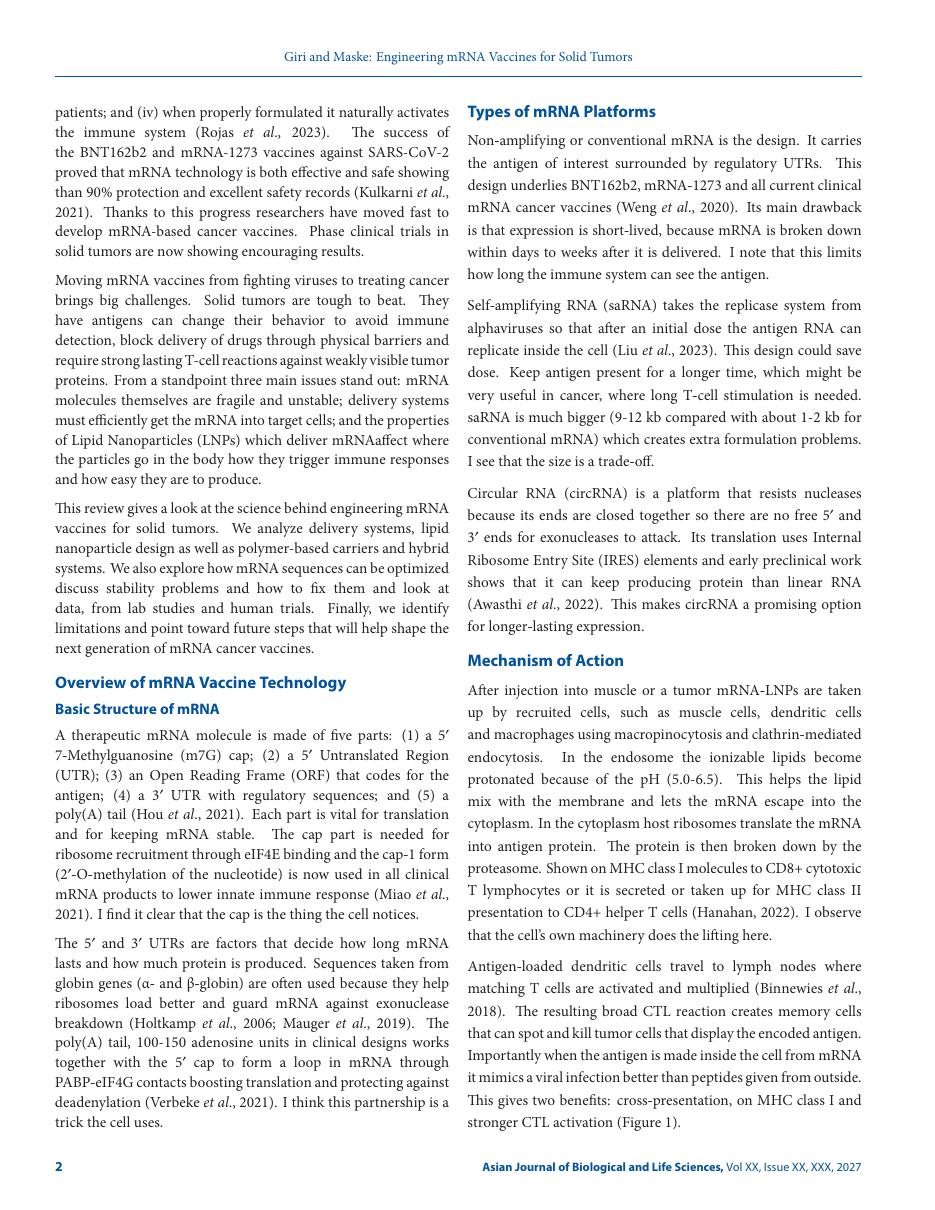
This is what a paginated galley looks like.
A review article from the Asian Journal of Biological and Life Sciences, laid out by the engine: balanced two-column pages, running heads, folios, DOI and copyright block — the same details PaginationXpress tracks through every proof revision.
- Running heads and folios placed automatically
- Two-column body with balanced breaks
- Abstract, keywords and correspondence block
- DOI, open-access and copyright panel
14 pages · Asian J Biol Life Sci., 2027 · sample article
Engine room
The detail work
the engine owns.
The parts of pagination that eat an afternoon — balanced columns, correct folios, exhibits in the right place, links that still resolve — handled while you proof the article.
3,679
words in the sample article
laid out into 3, 4 or 5 pages depending on the journal trim — without touching a text box.
Column balancing
Breaks land evenly across columns, so no page ends in a ragged stub.
Folios & running heads
Page numbers and running heads follow the issue sequence automatically.
Figure & table placement
Exhibits settle near their first mention, with captions kept whole.
Cross-references & DOIs
X-refs, footnotes and links survive from the first proof to the final.
Widow & orphan control
Stray single lines are pulled back into the paragraph they belong to.
Issue continuity
Pagination carries across the whole issue, not just one article.
One article. Five formats.
Every version on record.
Pagination, proofs and outputs kept in step, so the article you approve is the article you publish.
A clearer production path
From submitted article to signed-off proof.
Organize
Create journals and add articles with their issue, authors, and deadline.
Paginate & proof
Track production progress and upload a new galley PDF for each revision.
Review & approve
Record corrections, move through author review, and mark the article approved.
Ready for your next issue?
Give your journal production a place to move.
Set up your workspace and start organizing articles and galley proofs.
Get startedPricing & new projects
Tell us about your journal.
Share a few details and we'll come back with pricing — or a plan for your new project.
Have a journal project in mind?
Open an e-mail to share your journal, project scope, manuscript count and deadline.
Open inquiry formPrefer email? contact@mstechnomedia.com